Learn more with these Brother ScanNCut tutorials.
Topics include tutorials on setting up your mat, the various tools that can be used, and how to use them.
Perhaps you need more information on resolving issues with your ScanNCut. You will find that here!
SDX ScanNCut Tutorials

Brother Scan N Cut SDX1000 – I bought another one!

Using the Built-in Scan N Cut designs
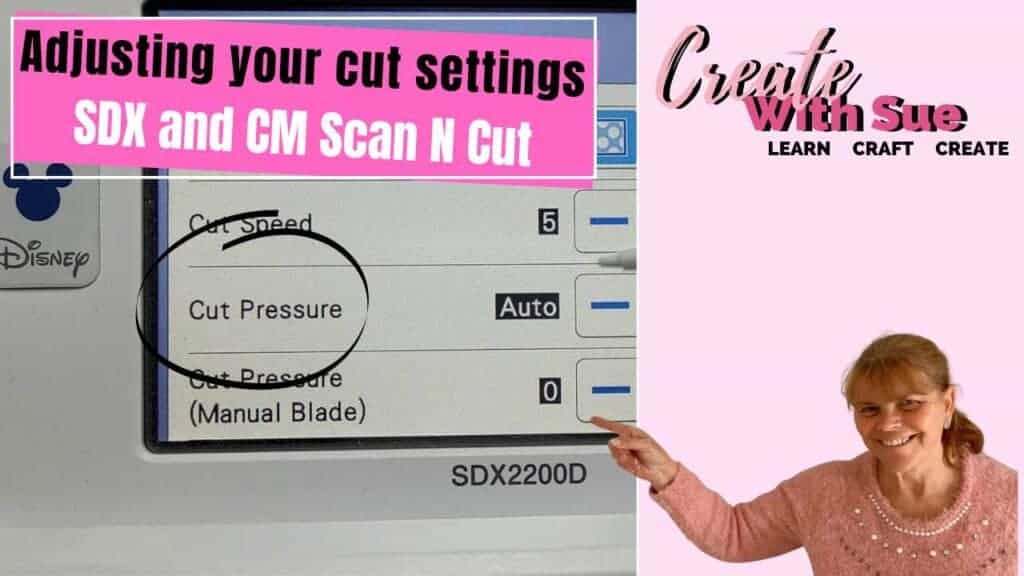
Adjusting the Cutting Depth on Your Scan N Cut

Artspira – Phone App For The Scan N Cut
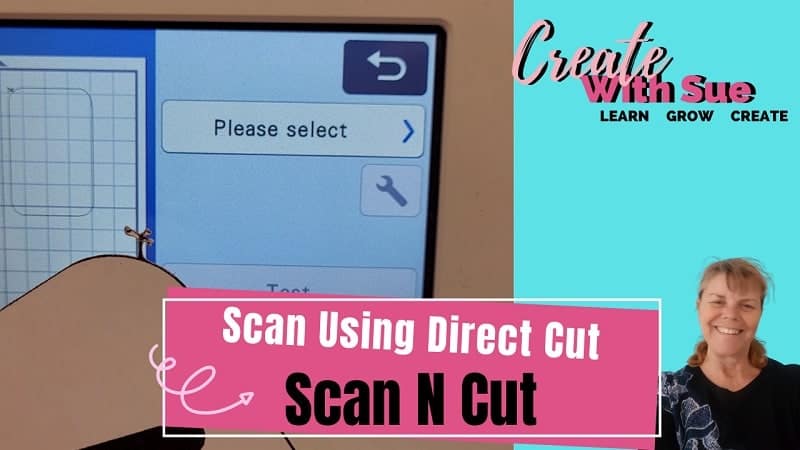
Scan With Direct Cut – ScanNCut

Update Your Software – Scan N Cut

Cutting foam board – Scan N Cut

Creating Multiple Shapes – Scan N Cut

Cut multiple colors on one mat – Scan N Cut DX

How to add a design – Scan N Cut DX
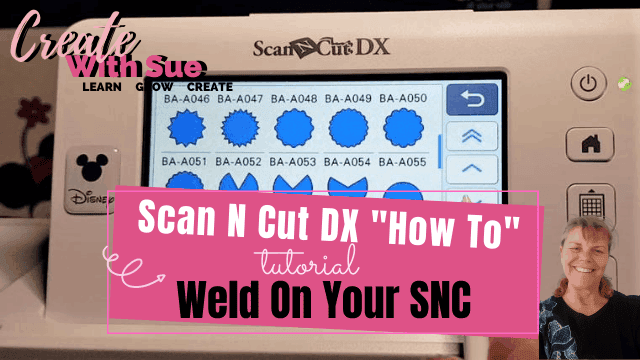
How to weld on your Scan N Cut

How To Set Up Half Cut – Scan N Cut

Set up Your WIFI on your Scan N Cut DX

How To Clean Your Scan N Cut Scanner
General ScanNCut Tutorials
These tutorials include segments on how to use different features on your ScanNCut cutting machine. This is a fun way to learn as you are creating a project while learning how to use your ScanNCut.
These are fun projects for all level of crafters.

Rejuvenate Old Jeans with HTV and Your ScanNCut
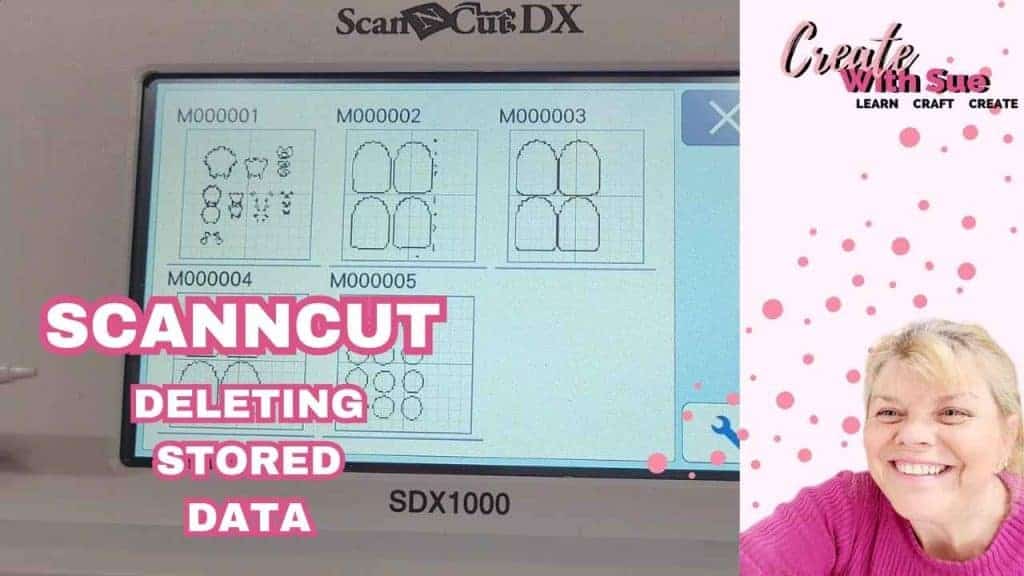
How to Delete Saved Files on Your ScanNCut
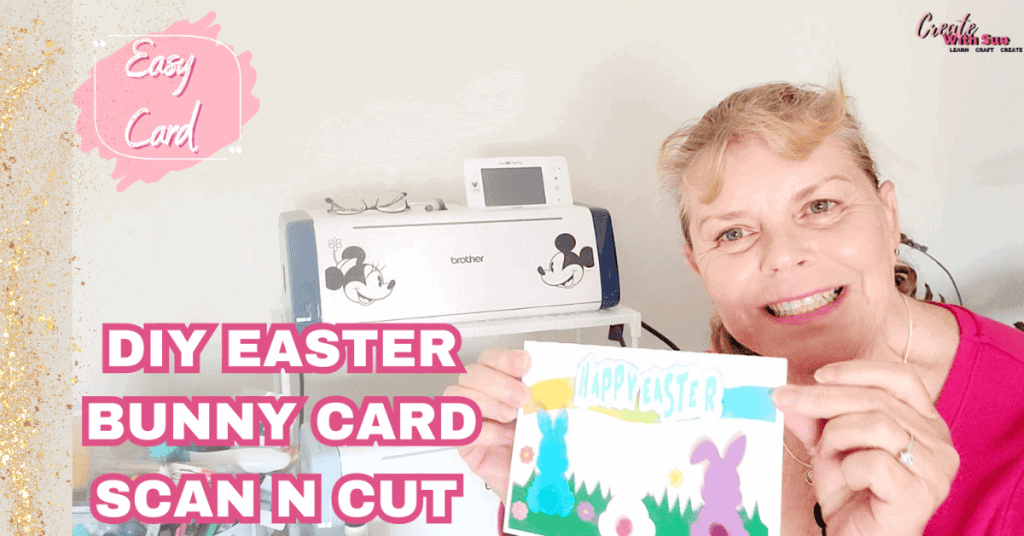
How to Make an Easter Bunny Card – A Step-by-Step Guide – ScanNCut
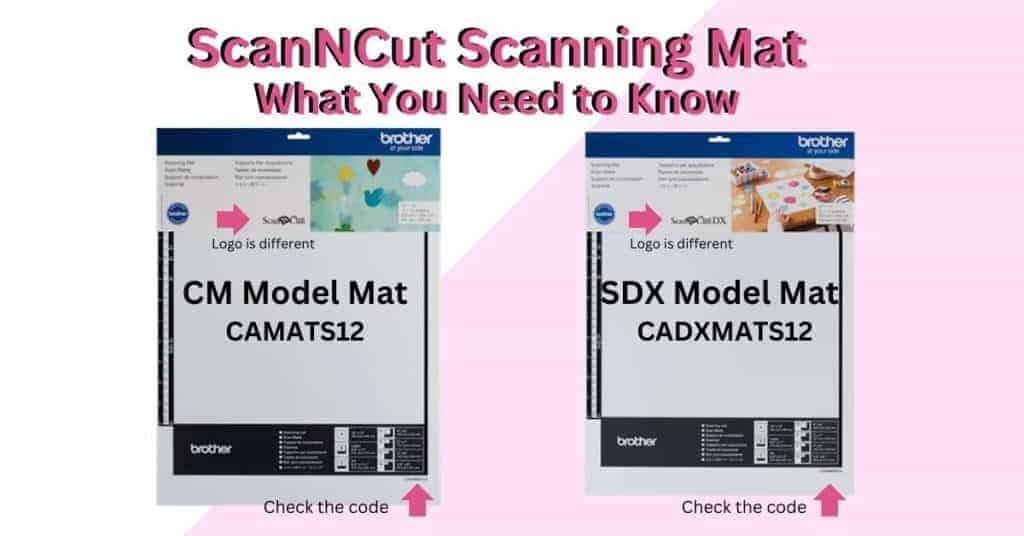
ScanNCut Scanning Mat – What You Need to Know

How to Use the Universal Pen Holder with Your ScanNCut

Personalized Money Boxes – Great Gifts – DIY ScanNCut
Personalized Money Boxes are ideal for Gifts and can be easily created with the Scan N Cut Looking…
Tips for Buying a Second-Hand Scan N Cut Machine

Scan N Cut Hacks To Save You Money
NOT ALL HACKS ARE GOOD HACKS! These are my thoughts on various Scan N Cut hacks, some will…
Brother Scan N Cut SDX1000 – I bought another one!

How to Cut Fabric with your Scan N Cut
Using the Built-in Scan N Cut designs

Tips for foiling with your Scan N Cut
Scan N Cut Class On Creative Fabrica

When To Use The Weeding Box – Scan N Cut

A Guide To Free SVG Files
Available ScanNCut Courses
Do you prefer learning in a logical order? It is much easier than darting all over the place trying to find what you are looking for.
I have a free ScanNCut Basics course where you will learn step-by-step how to use the features on your ScanNCut machine.
You will find more information about the course here.
Canvas Workspace course
Canvas Workspace is Brother’s FREE software. You will find my step-by-step course on how to create amazing designs for your ScanNCut here. This course is suitable for beginners and intermediate crafters and provides the learning path for you right through to advanced levels. Find out more information here.
The course teaches in the dowloaded version of Canvas Workspace which is installed onto a computer.
