This section is full of tutorials showing how to use various features of the Canvas Workspace software. I cover both versions as I enjoy using both the Online and the Downloaded versions.
What is Canvas Workspace
Canvas Workspace is Brother’s software that has been designed specifically to be used with your Scan N Cut cutting machine. I have created heaps of tutorials on how to use Canvas Workspace already and I am always working on more for you.
Check these tutorials out to continue your craft journey.
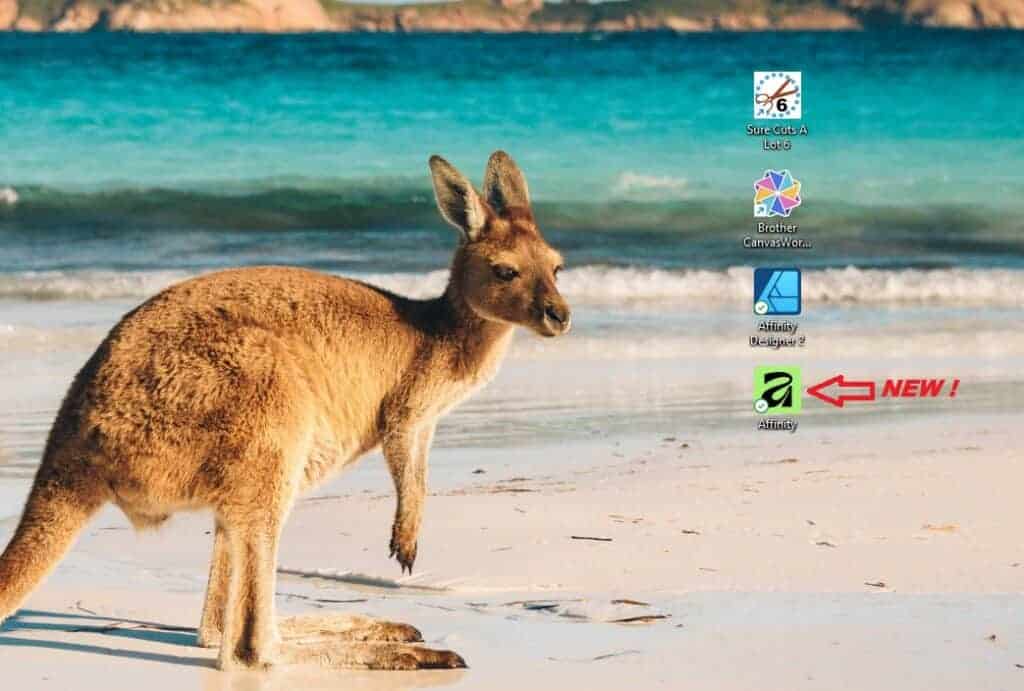
Exploring the New Affinity Designer V3 — My First Impressions
Today we are exploring the new Affinity Designer V2 software which was released on October 30th 2025. Yes,…
Cutting Cardstock: Tips for Better Results
Cutting cardstock with your ScanNCut can produce beautiful results, but sometimes you may notice issues like fluffy edges…
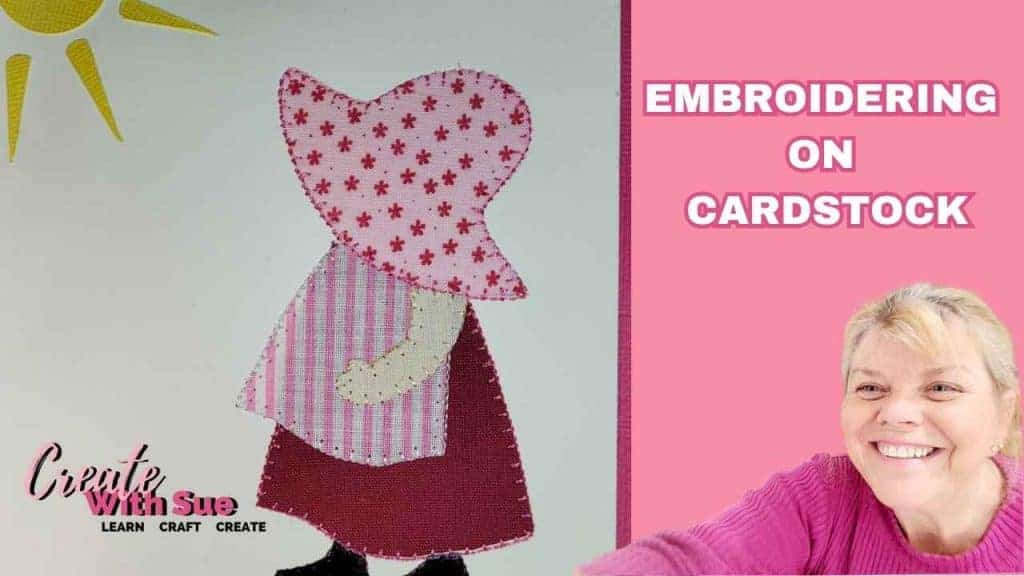
Embroidering Cardstock: A Creative Twist for Your Craft Projects
If you’re looking for something a little different to add to your cardmaking or papercraft projects, then embroidering…

How to Create a Money Pocket for a Card with the ScanNCut
Create With Sue Resource Library – How to Access it

Sure Cuts A Lot – A Quick Tour
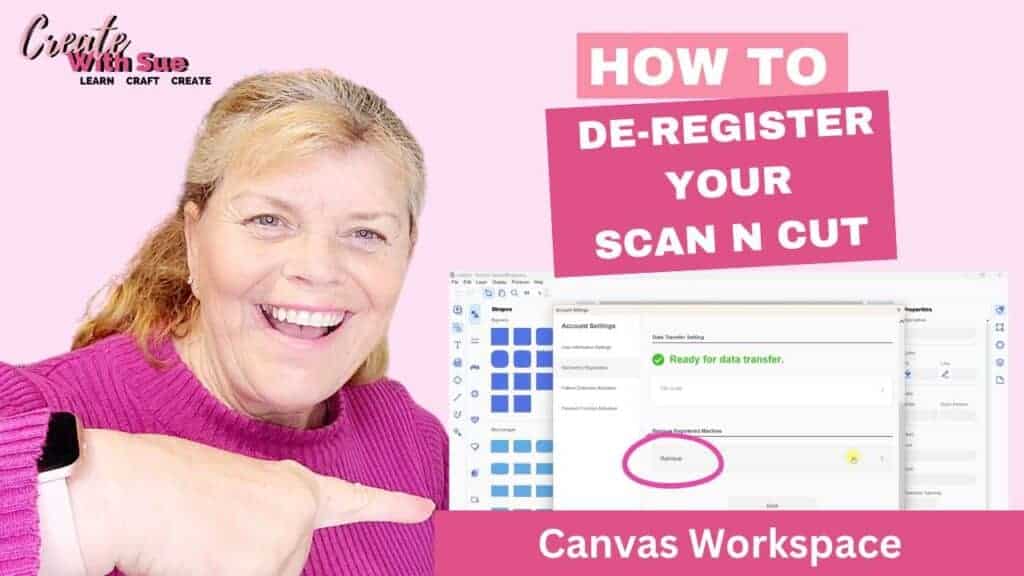
How to De-Register your Scan N Cut Machine
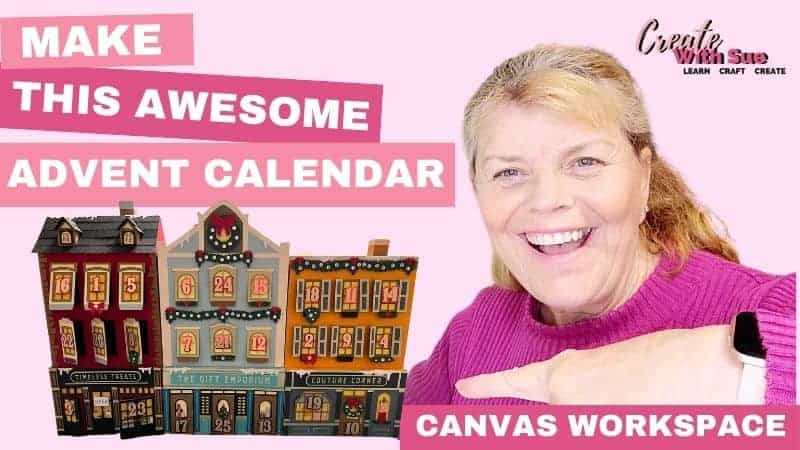
Advent Calendar SVG Bundle with Scan N Cut
Today we will look at creating the Main Street Magic Advent Calendar SVG Bundle from Dreaming Tree. We…
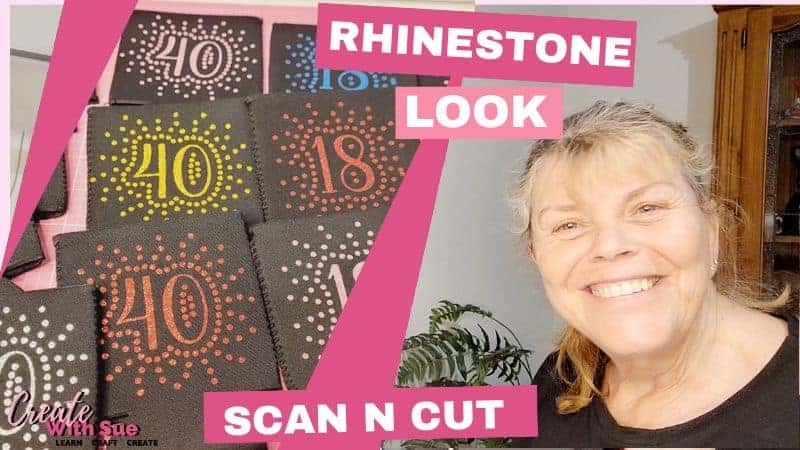
How to Create Stunning HTV Can Koozies
I’ve been busy making these HTV Can Koozies, and let me tell you, they are super pretty! I…

Create Faux Leather Earrings – Scan N Cut

How to add Glyphs to Canvas Workspace

Valentine Heart Card – Scan N Cut

Personalizing Mugs With Vinyl – Scan N Cut
Scan N Cut Class On Creative Fabrica

When To Use The Weeding Box – Scan N Cut
A Guide To Free SVG Files

Make Your Own Easter Mandala Card
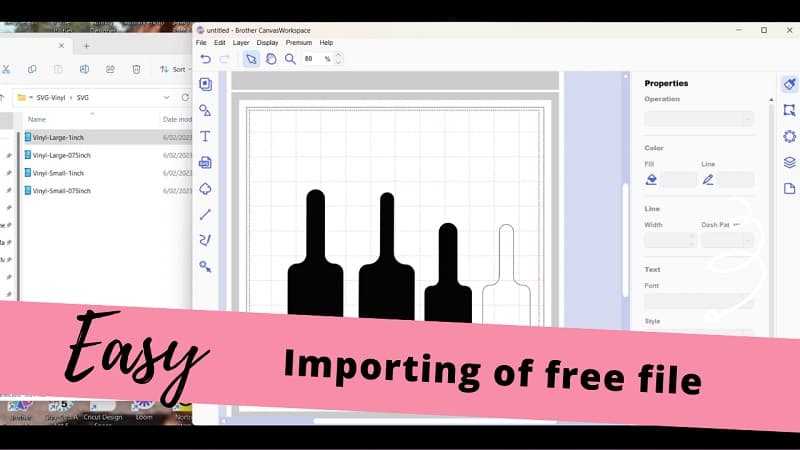
How to use free SVG’s in Canvas Workspace

Zoom Precision Engraving Tool – Scan N Cut
I was asked to test the Zoom Precision Engraving Tool for the Scan N Cut by Jordan from…
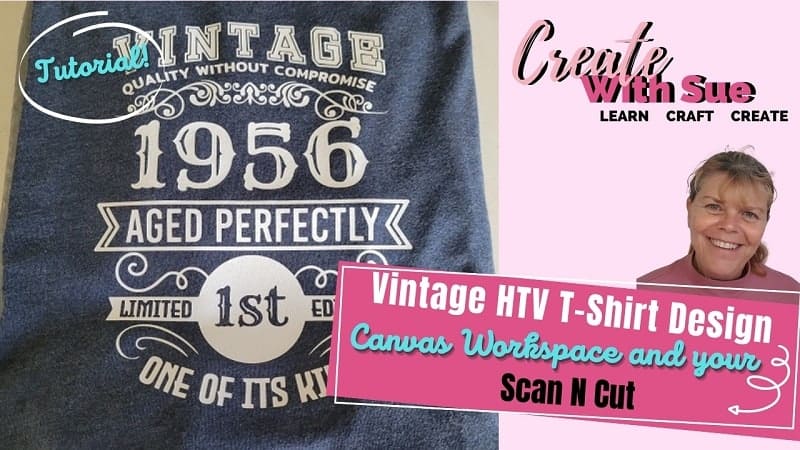
Vintage T-Shirt – HTV

Scan N Cut Rotary Blade – Is it worth it?

Easy Gift Basket To Make

Create a kid’s sewing kit with your cutting machine

Why doesn’t my SVG work? – Scan N Cut

FAQ about the Scan N Cut

Create an LED light
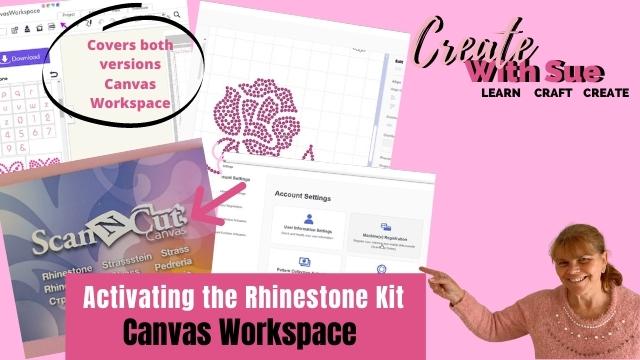
Activating The Rhinestone Kit – Scan N Cut

Easy Coasters With Your Scan N Cut
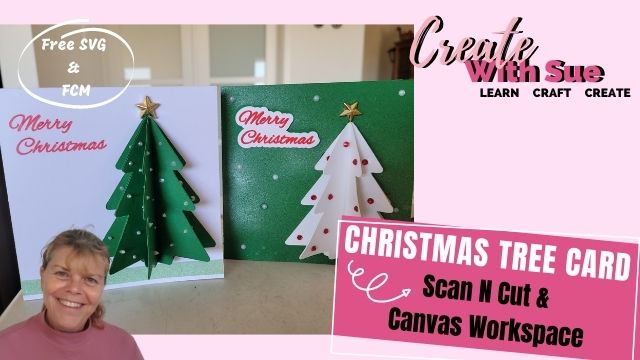
Christmas Tree Pop-Out Card

Jigsaw Puzzles – DIY – Scan N Cut

HTV Onesie – Scan N Cut

Shaped House Card to Make – SVG

Duplicate Patterns – Canvas Workspace

Vinyl T-Shirt Design – Scan N Cut

T-Shaped Thank You Card – Scan N Cut
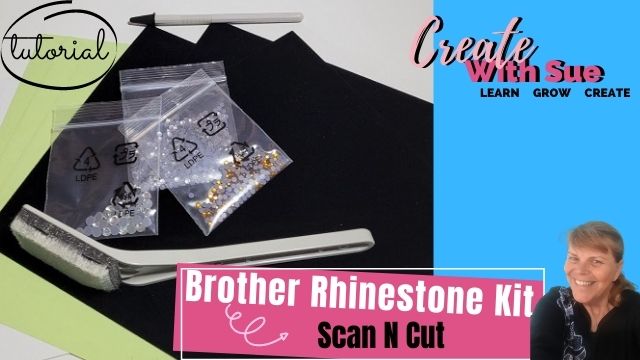
Rhinestone Kit and the Scan N Cut
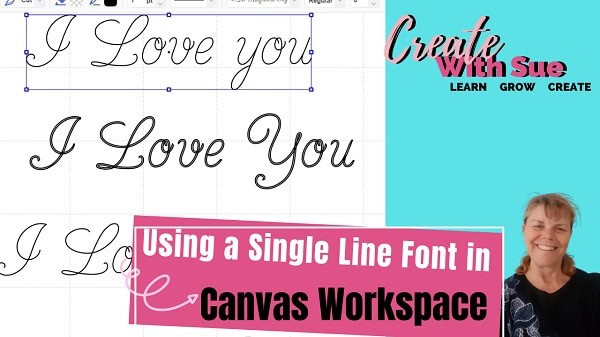
Using Single Line Fonts – Canvas Workspace

Add an SVG- Canvas Workspace – offline

Make a Gift Box for Mum or Mom

What is a CWPRJ file?

Canvas Workspace – Print to Cut
ScanNCut Guide For Beginners

Make a Rose Card – Brother Foil Kit

3D Flower Tri-Fold Card – Create it!

How to Make a Concertina Card

Canvas Workspace Layers ~ 3D Mandala

How to convert a PNG or JPG to an SVG
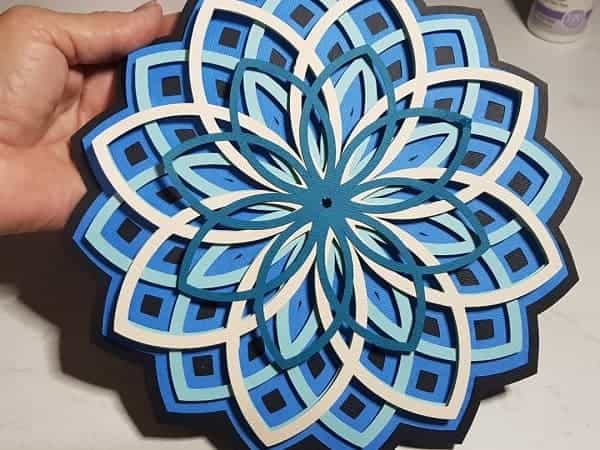
Canvas Workspace 3D Mandala Tutorial

Basics of Canvas Workspace

Create A Card Using Curved Text
This tutorial is showing how to create a card using curved text in Canvas Workspace. This is the…
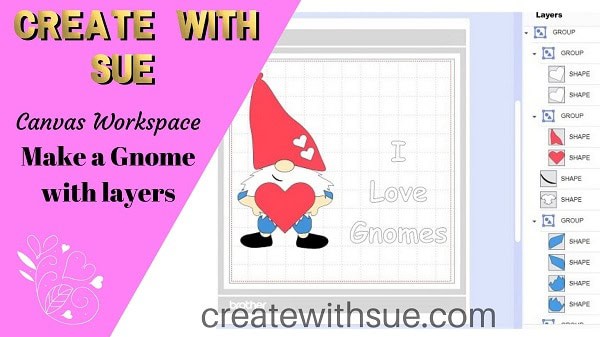
Making a Gnome with Heat Transfer Vinyl

How to update Canvas Workspace

The difference between Grouping and Welding

Create A Thank You Card – Scan N Cut
Would you like to make a special thank you card? Create a thank you card with your Scan…

Baby Card ~ Romper

Create Curved Text in Canvas Workspace

How to Use Brother Type Converter
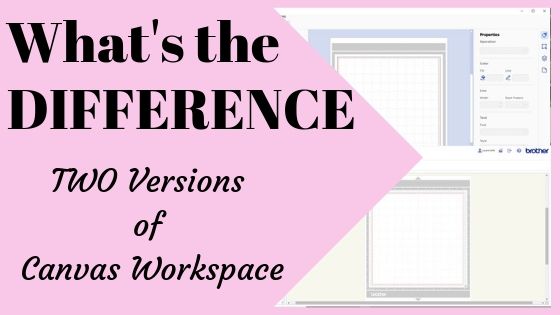
Which Canvas Workspace to use?

Prime Day July 15th and 16th 2019
UPDATE: Now, Prime Day is over for this year HOWEVER the good news is that information below regarding…
